Configure access.
Provide your domain and the access needed for testing.
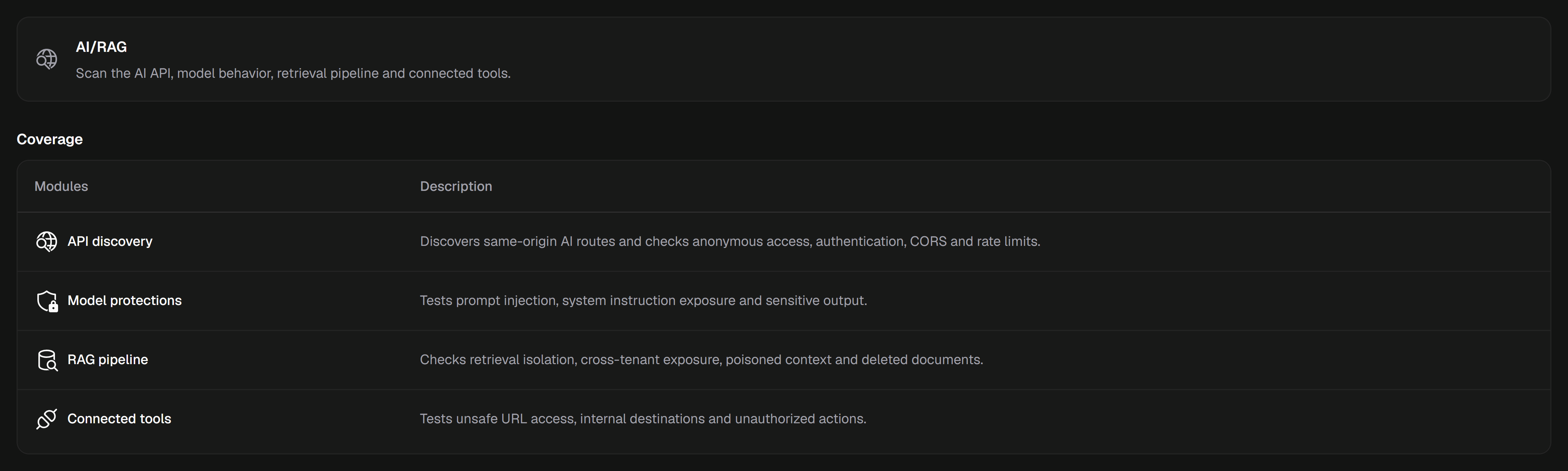
Examine your AI application’s APIs, context boundaries and connected tools. Run targeted tests on the surfaces that are actually accessible.






 AI application
A chat interface adds new paths to your data and tools. The AI/RAG profile follows these surfaces and presents observations in context.
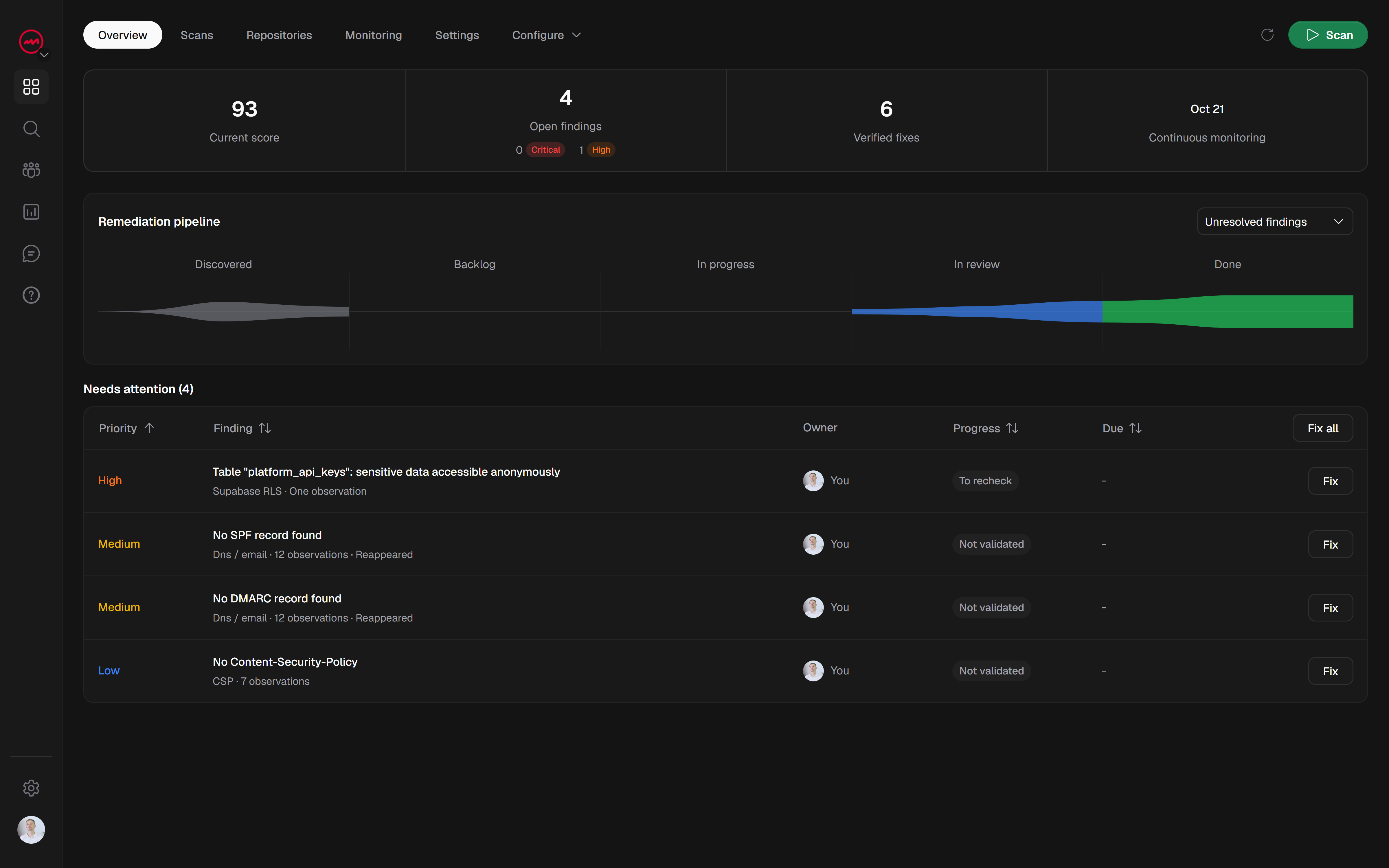
View checksReview the evidence, identify the relevant check and prepare a fix. Findings keep their context between scans.
Provide your domain and the access needed for testing.
Verify your domain, choose the specialized profile and run your scan.
Review the evidence, apply changes and rerun the relevant tests.
Discover AI routes and check their access, CORS and rate limits.
Test model safeguards and exposure of instructions.
Examine data isolation and retrieval boundaries.
Test URL access and potentially unauthorized actions.
AI/RAG is a specialized profile. Its checks depend on the technologies and access available on the verified domain.
Find issues, prepare fixes and verify changes.
Keep your results together for the next deployment.
 WordPress