Configure access.
Add your project URL and public key.
Test what your Supabase project’s public key actually allows people to read. Check tables, RLS policies and storage for access that should not be open.
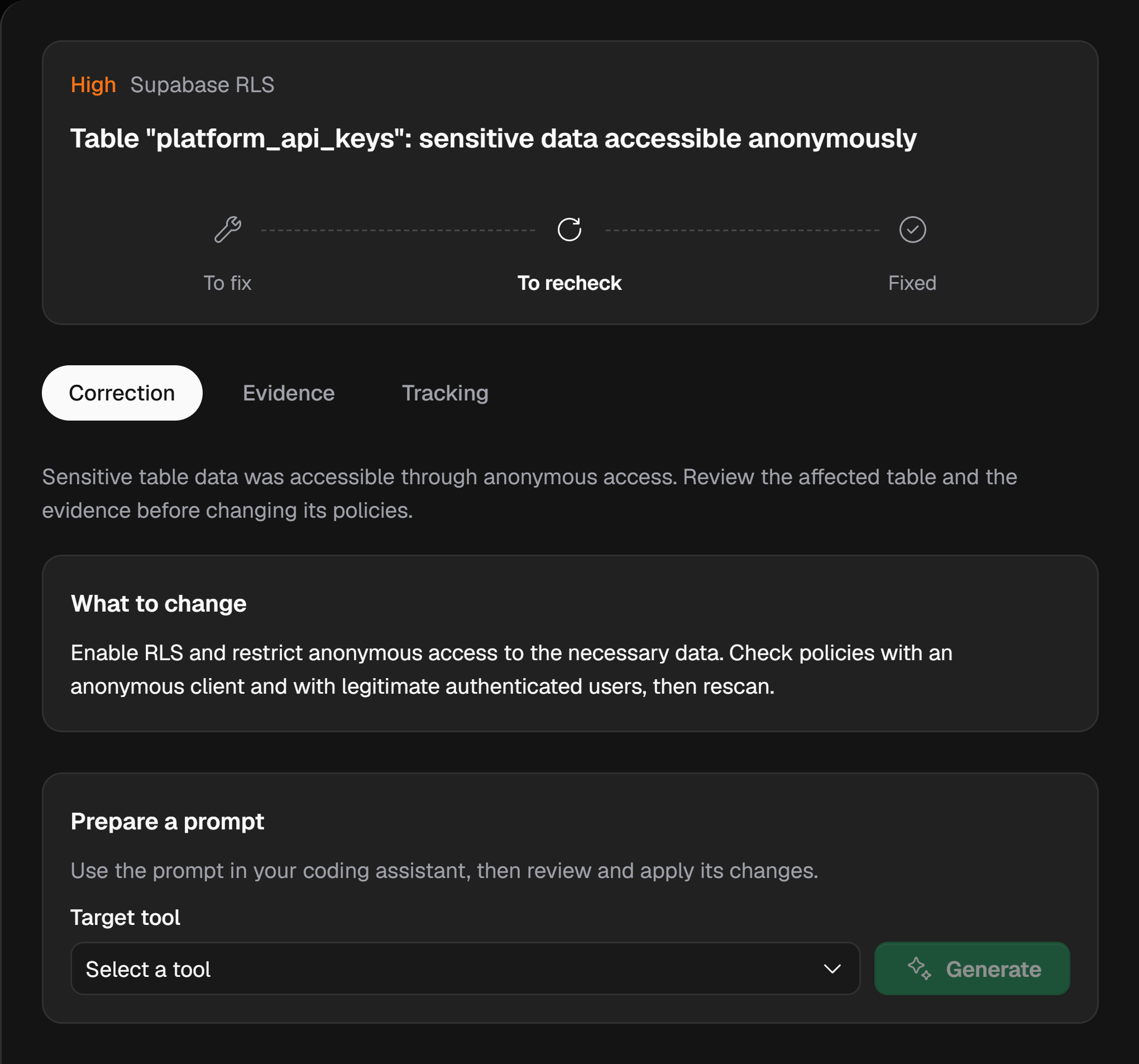






An application can work perfectly with permissions that are too broad. VICE examines observable accesses and keeps the evidence alongside the finding.
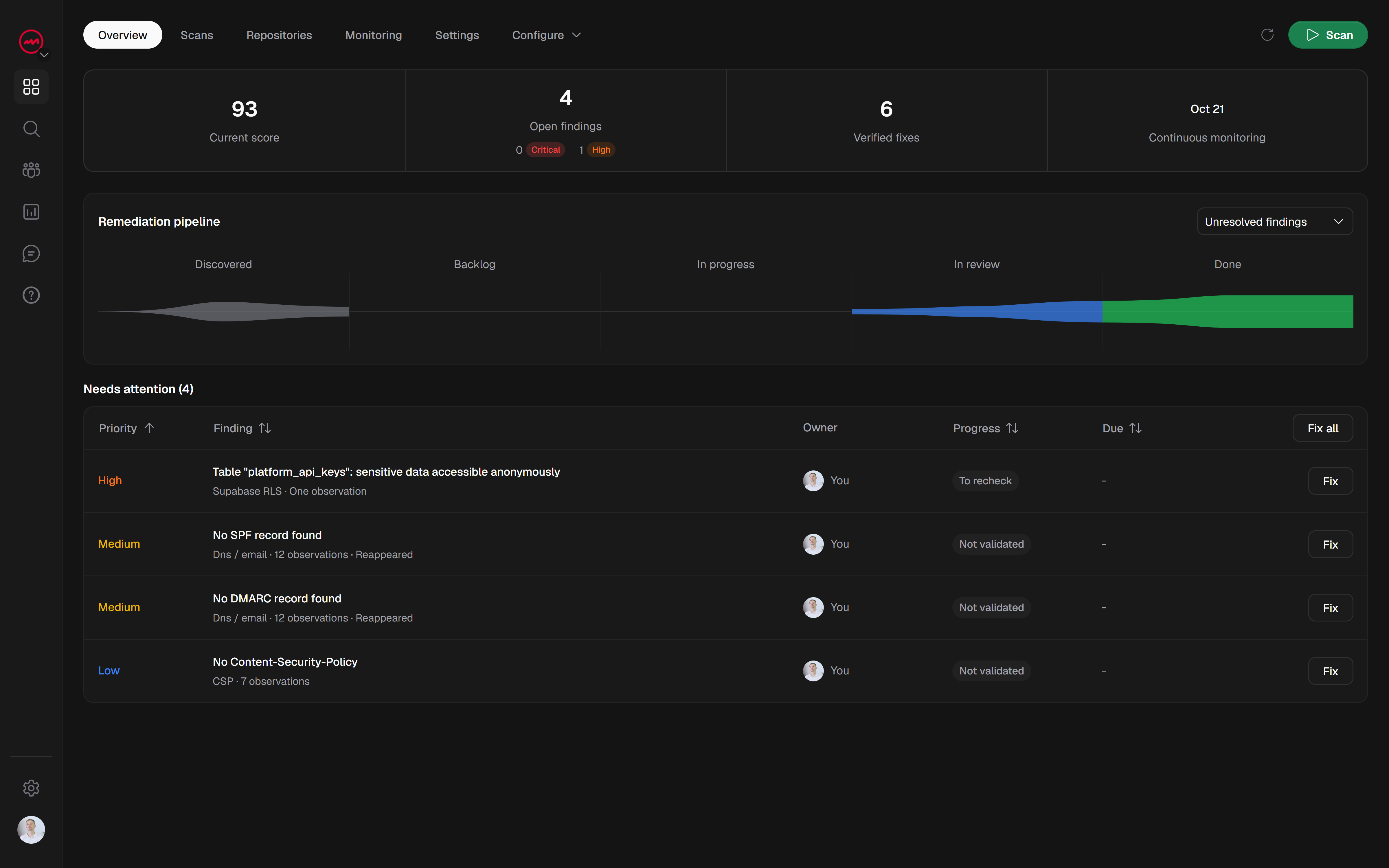
View checksReview the evidence, identify the relevant check and prepare a fix. Findings keep their context between scans.
Add your project URL and public key.
Verify your domain, choose the specialized profile and run your scan.
Review the evidence, apply changes and rerun the relevant tests.
Find accessible tables and policies that expose data.
Check which files and storage buckets are publicly accessible.
Examine the entry points exposed by your project.
Add a test session when a check requires authentication.
Set up your project URL and public key. In-depth scans require a verified domain and full-scan access.
Find issues, prepare fixes and verify changes.
Keep your results together for the next deployment.
 WordPress