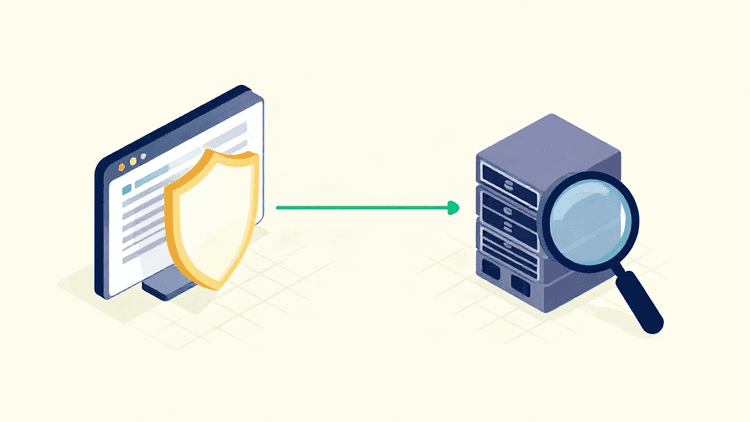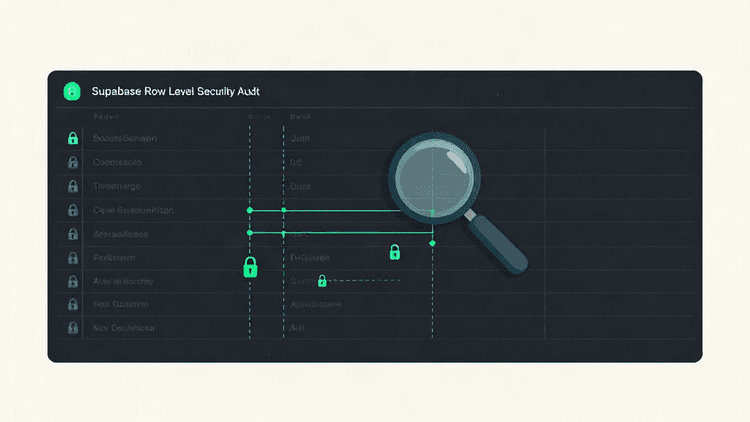
Row Level Security is the line between a Supabase project that protects its data and one that quietly exposes it. When RLS is configured well, your database enforces access rules at the row level, for roles subject to RLS. Privileged roles, including the service role, can bypass those rules. When it is configured poorly, the tables look protected while the policies let more through than you intended.
This article compares two ways to run a Supabase RLS security check: verifying policies by hand, and running an automated RLS audit. Both have a place. Knowing where each one breaks down is what keeps your policies honest.
How Row Level Security works and where policies quietly go wrong
RLS is a Postgres feature that Supabase exposes per table. Once enabled, a table denies row access to roles subject to RLS unless a policy permits it; table owners and roles with bypass privileges are exceptions. Policies are evaluated against the current user, their claims, and the query being run. The auth.uid() function is usually the anchor: a policy like using (auth.uid() = user_id) scopes reads and writes to the signed-in user's own rows.
The model is clean. The failures are not, because they rarely look like failures.
A few patterns account for most RLS problems:
RLS enabled on some tables, not all. A new table added after launch, or one created through a migration, can ship with RLS off. Every row is then readable by any role with table access.
A policy that is broader than it reads.
using (true)on a select policy means every row is visible. It is easy to add during development for debugging and forget to remove.The service role assumed everywhere. Server-side code that uses the service role key bypasses RLS entirely. If user-facing requests run through that key, the policies never apply.
Policies that check the wrong column.
auth.uid() = idon a table whereidis the row's primary key, not the owner, will never match the intent. The policy exists, it returns an error or empty set, and the surface still behaves.Update and delete left unguarded. Developers often secure select thoroughly and leave write policies loose. Passing a read check says nothing about who can modify the row next.
None of these announce themselves. Each one keeps the app working, which is exactly why they survive to production.
Doing a manual RLS audit: what to inspect and the mistakes that slip through
A manual audit is direct and requires no new tools. You work through the policies themselves, table by table.
Start by listing every table and confirming RLS is enabled on each one. Then, for each table, enumerate the policies and map them to intended access: who should read, who should write, and who should never touch it. Read each policy expression against the column it compares. Confirm that select, insert, update, and delete each have a policy that matches the intended role.
Next, check the code path. Determine which key your application actually uses for user-facing requests, and whether any of them run through the service role. Then write test queries as different users and confirm the results match expectations: a user should read their own rows and nobody else's, and should not be able to update a row they do not own.
Manual review is worth doing, and it catches a lot. It also has predictable blind spots.
It tests what you remember to test. If you do not think to try a delete as a second user, you may miss an overly broad delete policy. With RLS enabled, no applicable delete policy means deletion is denied.
It ages. Policies drift as features are added. A review that was thorough last quarter says nothing about the table you added last week.
It depends on the same person who configured the policies. The builder who wrote the policy is the least likely to spot their own assumption.
It needs recorded evidence. "I reviewed it and it looked right" leaves nothing behind: no evidence, no scope, no artifact you can rescan later.
Manual auditing answers the question "does this match my mental model of the system?" It does not, on its own, prove what the database will actually return.
Running an automated RLS check and acting on the findings
An automated Supabase RLS security check works from the other direction. It exercises the project the way an attacker or a misconfigured client would, and reports what the data layer actually allows.
That shift matters for three reasons. First, it scales past memory: the scan repeats checks across the tables and endpoints available within its configured scope. An external scan cannot inspect every policy without suitable access. Second, it produces evidence you can act on: the finding names the table, the policy state, and the condition that made it reachable, so you know what to change and why. Third, it is repeatable. A check you can run again turns a one-time review into ongoing verification.
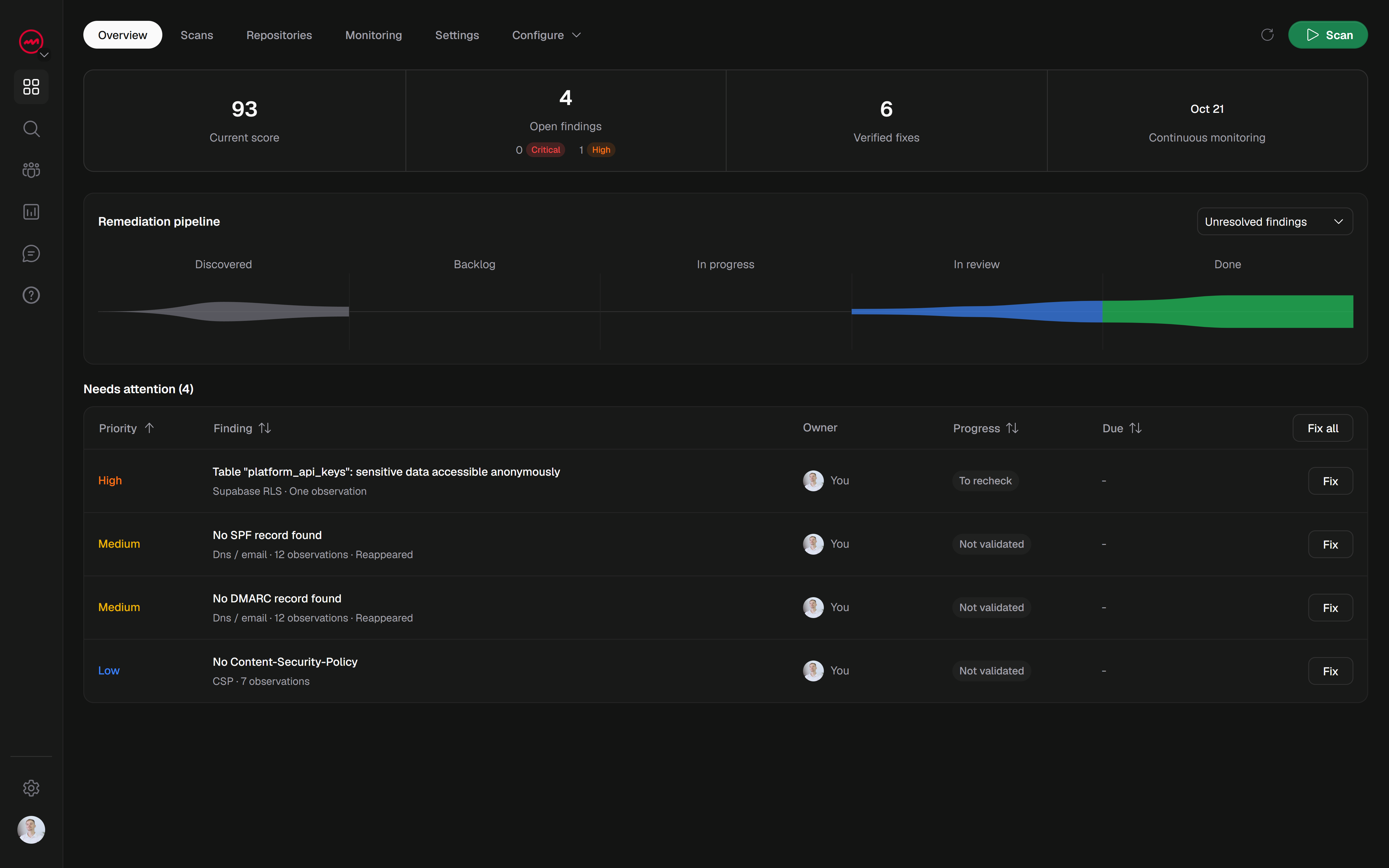
VICE scans web applications and Supabase/RLS configurations, then reports findings with the evidence behind them and correction guidance to work from. You can mark a fix and request a recheck, but only a comparable rescan confirms the issue is resolved: the fix is verified against the same scope, not assumed from the edit. Scheduled scans and alerts support ongoing monitoring, so a table added next month does not quietly reintroduce the gap.
The division of labor is straightforward. Run the automated check to find what your manual review missed, then use a manual pass to confirm the intent behind each policy the scan flags. Automation tells you what the database permits; you decide whether that permission was deliberate.
A score from any scan describes the tested scope, not a guarantee that a project is fully secure. Treat it as a signal of where to look, not a certificate.
Which approach should you use?
If you are shipping a Supabase-backed product and have never audited your policies, the honest answer is both, in order. Start with an automated RLS check so you have a current, evidence-backed picture of what your tables allow. Then walk the findings by hand, confirm the intent of each policy, and fix the ones that drifted. Put the automated check on a schedule so new tables and new policies get the same scrutiny as the original ones.
The cost of skipping either half is the same: a policy you believe protects a row, and a client that proves otherwise.
Start a free scan at vice-platform.com to check your public website before you sign up. A specialized Supabase scan requires a verified domain and a paid subscription or purchased credit; its coverage depends on the configured access.