If you run a WordPress site or a Supabase-backed app, you have probably stood at this fork in the road: install a security plugin, or run an outside-in security scanner? Both promise to find problems. They do not look at your site from the same place, and that difference is the whole buying decision.
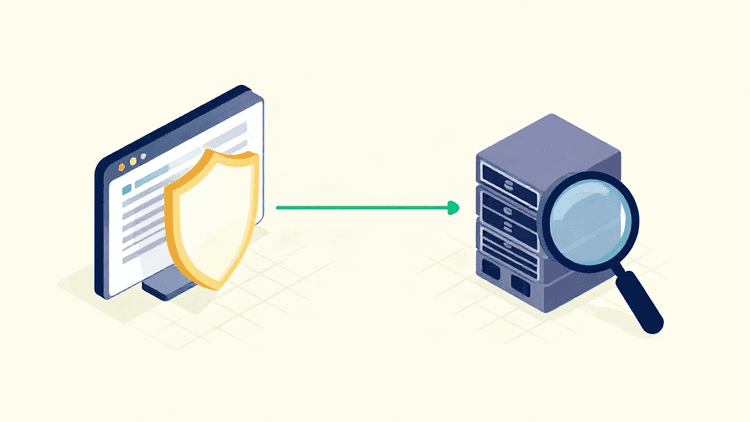
A plugin inspects your site from the inside, using the access it already has. A scanner inspects your site from the outside, from the same vantage point an attacker has. Neither one replaces the other, but they do have different blind spots. Here is how to tell which one you actually need, and when you want both.
What a security plugin checks from inside your site
A WordPress security plugin runs as code on your site, so it can see things a visitor never can.
Login and user activity. Failed login attempts, brute-force patterns, weak passwords, new admin accounts, and changes to user roles.
File integrity. Whether core, theme, or plugin files have changed unexpectedly.
Firewall rules at the app layer. Blocking known malicious request patterns before your application handles them.
Malware and content. Scanning uploads and posts for injected scripts or spam links.
That inside view is genuinely useful. A plugin can watch for suspicious behavior over time, alert you on a new administrator account, and block a login attack while it happens. If you manage WordPress sites day to day, an application-layer plugin is a reasonable baseline.
The catch is that a plugin only knows what happens inside the environment it is installed in. It has to be installed, configured, and kept updated. It runs with the same privileges as your site, so a compromise that reaches the application layer can also affect the tool watching it. Its coverage outside the CMS varies by plugin; domain, TLS and email configuration may need separate checks.
What a domain-based scanner sees from the outside that plugins miss
An outside-in scanner does not need credentials, an install, or admin access. It tests your domain the way the internet sees it, and reports the evidence behind each finding.
Transport and domain hygiene. TLS certificate configuration, HTTP security headers, DNS records, and the email authentication records that determine whether your domain can be spoofed.
Exposed surface. Endpoints, files, and services that are reachable but were never meant to be public.
Configuration mistakes. Default settings, verbose errors, missing access controls, and misconfigured storage such as Supabase Row Level Security policies.
Coverage beyond the CMS. Web applications, WordPress installs, Supabase and RLS, and AI or RAG applications, depending on the scan selected and the access available.
This is the view that maps to how attacks usually start. An attacker does not begin with your admin dashboard. They begin with what is publicly reachable. A scanner answers the question a plugin structurally cannot: what does my site look like to someone who has never logged in?
The honest limit is scope. A scan tests what it can reach during that scan, and a clean score describes only the tested scope. It is not a certificate that a site is fully secure, and no tool can promise detection of every vulnerability.
Where the two overlap, and where the gap really is
Both will surface some application-layer issues, so it is fair to ask whether you are paying twice.
The overlap is real but narrow. A plugin's firewall and a scanner's exposure checks can both flag a vulnerable plugin version or an obvious misconfiguration. The gap is everything around your application: the domain, the certificate, the headers, the DNS and email records, the cloud services your app depends on, and the endpoints that quietly answer to the public internet. That is where outside-in scanning earns its place, and it is a layer many plugins do not cover completely.
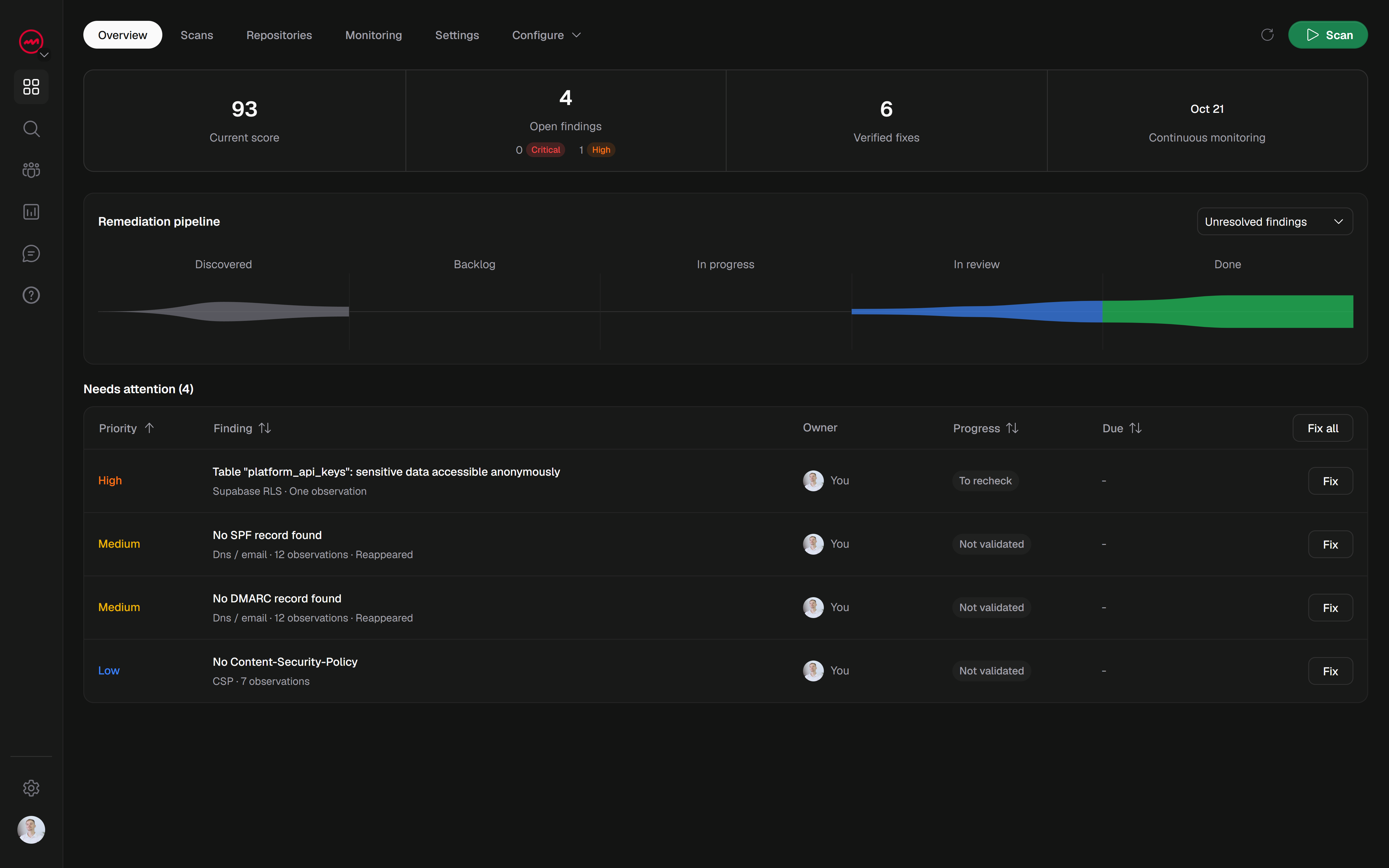
There is also a difference in evidence. A plugin often tells you something looks suspicious inside your site. A scanner shows you the exposed header, the reachable path, or the missing policy, then gives you correction guidance you can act on and a way to rescan and confirm the change landed.
How to combine both without overlap or wasted effort
The two tools are complementary, and the split is simple: use the plugin for inside-the-app behavior, use the scanner for everything the internet can reach.
Run an outside-in scan first. It needs no install, so it gives you the attacker's view in minutes and tells you which configuration problems are publicly visible.
Fix what the scan found, then rescan. Marking a fix manually requests a recheck, but only a comparable rescan confirms it is actually resolved. Correction tracking is only useful when you close the loop.
Keep the plugin for runtime behavior. Login attacks, malware, and file changes are ongoing inside events. Let the plugin watch them.
Monitor on a schedule. Scheduled scans with email or Discord alerts keep the outside view current as your stack changes, without a dedicated security team.
If you have more than one property, this is also where the plan split matters. Solo fits a single product you own. Pro fits client sites and teams, adding white-label reports and team access through additional paid seats, with shared domains, findings, scans, and plan quotas.
Which one do you actually need?
You maintain a WordPress site and want protection while you work in it: a security plugin is a sensible start, but it will not tell you what your domain exposes.
You built or host an app and want to know what is publicly reachable: you need an outside-in scanner.
You run Supabase, WordPress, or an AI/RAG application in production: combine external checks with controls appropriate to your stack; a WordPress plugin only applies to WordPress.
The mistake is treating this as an either-or decision. A plugin protects the inside of your site. A scanner tells you what the outside sees. Most small teams have real exposure on both sides of that line.
VICE is built for the outside view: actionable findings with evidence, correction guidance, and rescans to verify fixes, across web applications, WordPress, Supabase and RLS, and AI/RAG depending on the scan selected. You can start with a free light scan before signing up, and your domain and results are saved to your account when you register. Full, custom, and specialized scans require a verified domain and a paid subscription or purchased credit. If you want to see exactly what your domain looks like from the outside, start a free scan and compare the results against what your plugin has been telling you.